Marketing templates for Instagram
2 min read · updated 30 September 2026
For each of your events we prepare ready-made images for Instagram, with the date, title and place. You just pick the look and download them. They are images for promoting, not templates for creating new events.
1Open the templates
On the events page of your profile, click an event. Under Marketing and statistics open the Marketing templates tile. This works on a computer and on your phone.
2Choose format, look and font
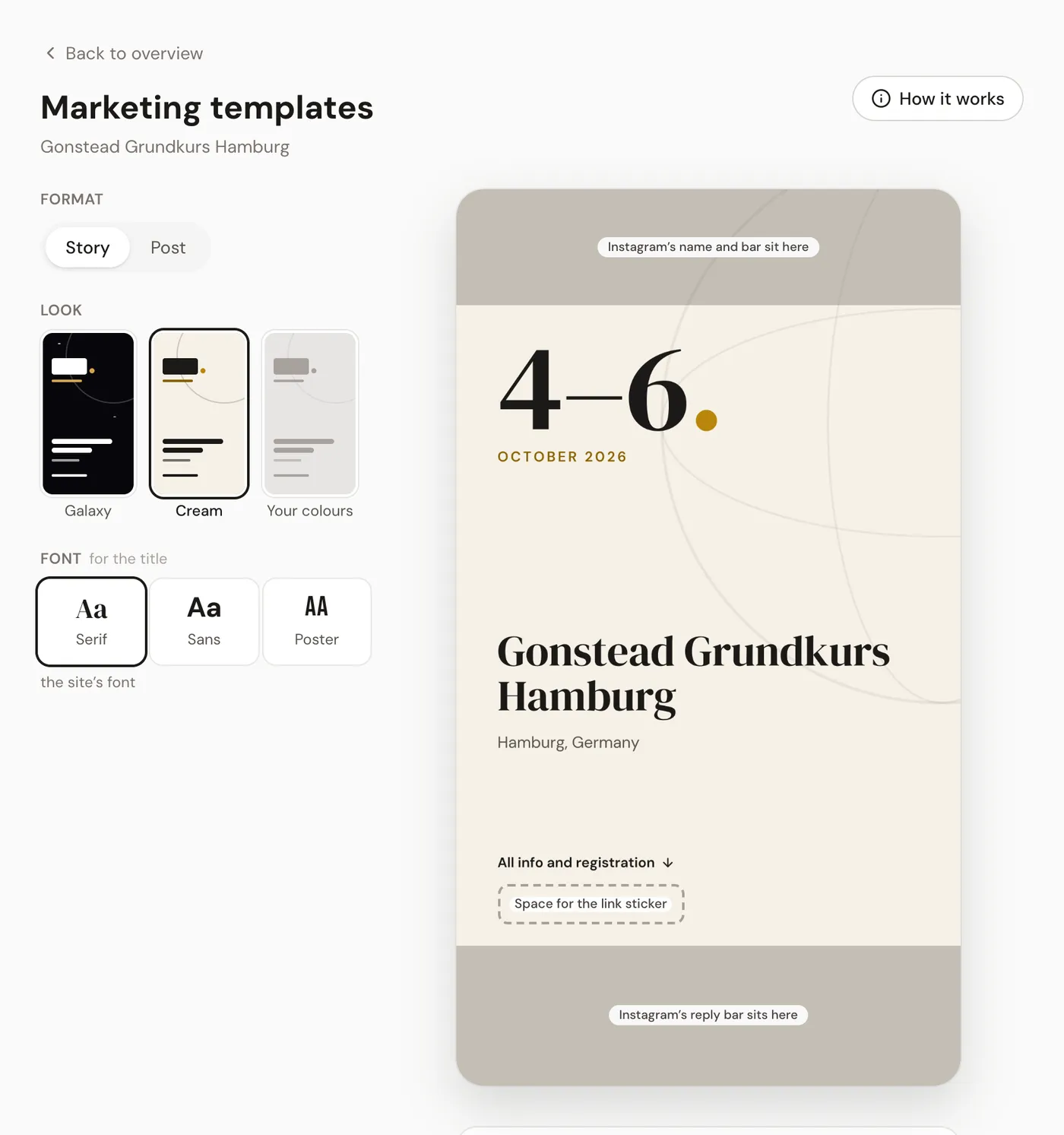
- 1Under Format choose Story for an Instagram story or Post for a post in the feed.
- 2Under Look choose Galaxy, Cream or Your colours.
- 3Under Font you decide how the title looks: Serif, Sans or Poster.
For Your colours, set one colour each for Background and Font under Colours and click Save colours. If you have uploaded a logo, Take colours from the logo suggests matching ones. The colours apply to all your events.
3Download, share, get it on your phone
With Download you save the image. If your device can pass images on directly, usually a phone, Share also appears below it: it sends the image straight to Instagram or another app. Send by email sends you all looks in the chosen format to the address of your account.
On a computer, the To your phone card with a QR code is on the right. If you scan it with your phone, this page opens there, and you share the story right from wherever you are.
4The link for your story
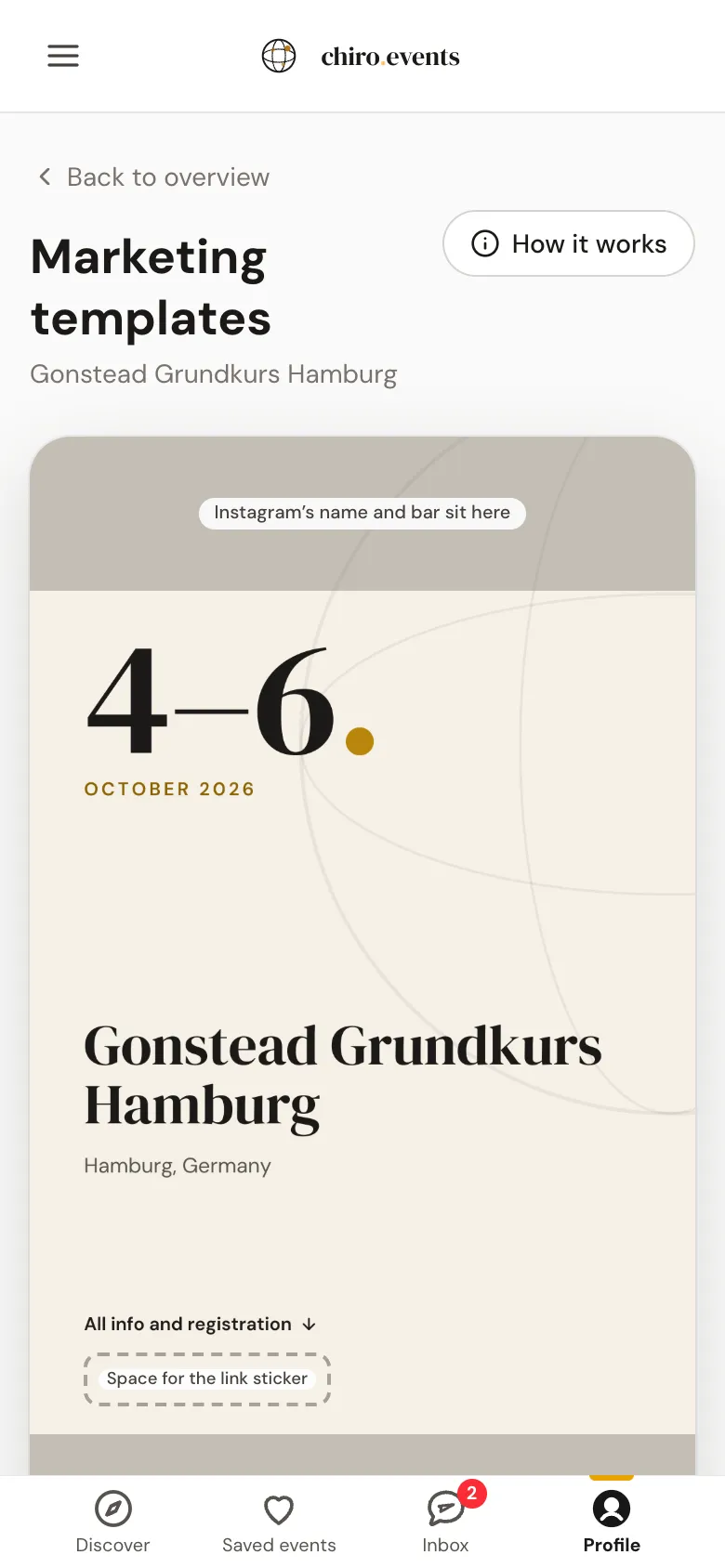
For a story, the Link for the link sticker appears below the buttons. Copy it with Copy and paste it into Instagram as a link sticker. The preview already shows you the spot for it. For a post, the Link to your event appears there instead.