Become visible: your first profile
2 min read · updated 30 September 2026
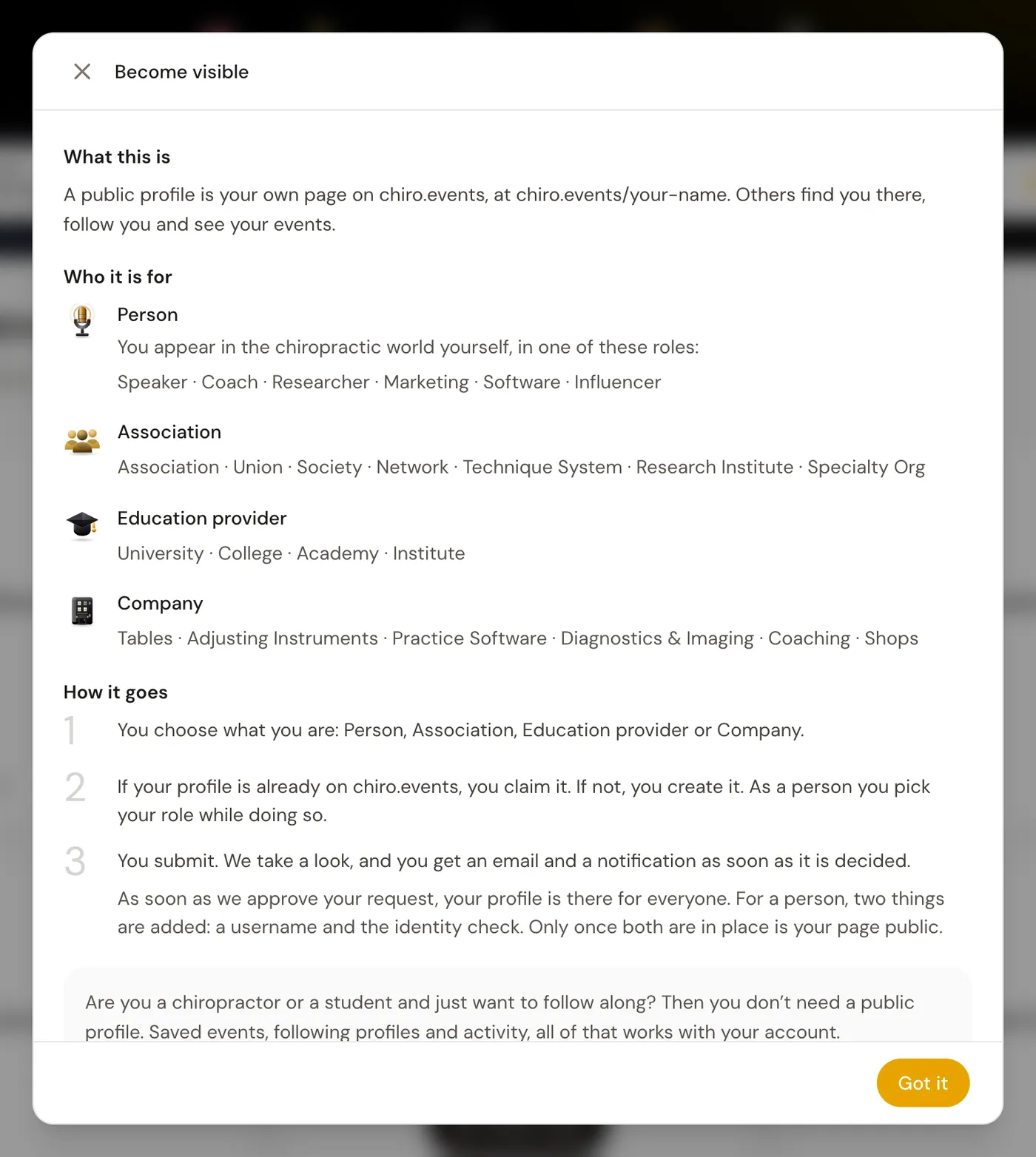
A public profile is your own page on chiro.events. Others can find you there, follow you and see your events. You don't need a profile just to read along, your account is enough for that.
1Four types of profiles
With one account you can manage several profiles: a Personality for yourself, for example as a speaker, coach or researcher, plus an Association, an Education provider or a Company.
The Become visible window explains exactly what this means. On a computer you find it in the menu at the top right, on your phone under Profile.
2Create or claim
- 1In your account, go to Become visible and tap Create / claim your first profile.
- 2Under What would you like to create or claim?, choose the type of your profile and tap Continue.
- 3Search for your name. Many profiles already exist because we collect events from programs and announcements. If you find yours, you can claim it.
- 4If it isn't there, tap Create a new profile under Not listed?.
3As a personality: the application
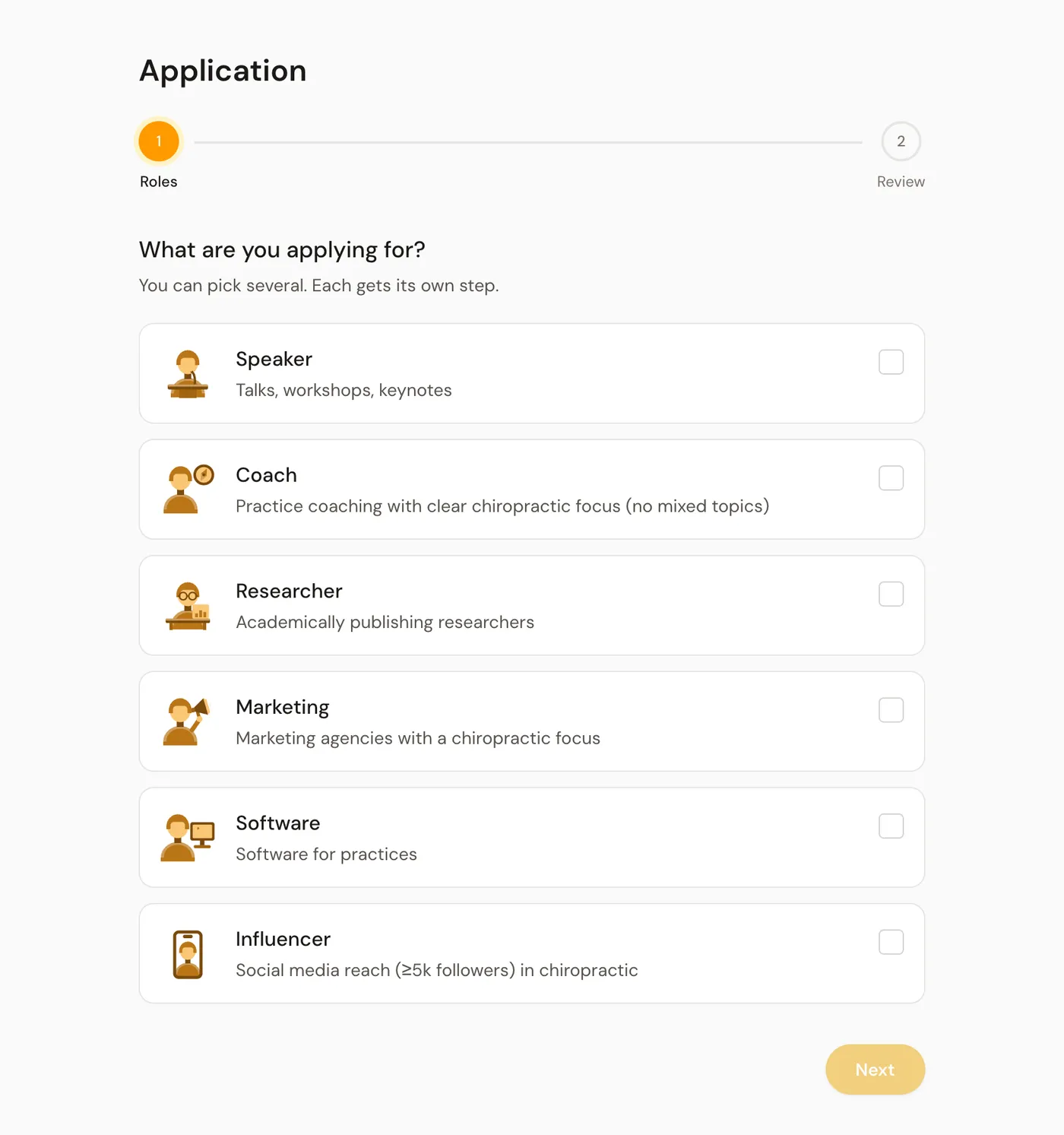
A new profile as a personality is created through an Application. Under What are you applying for? you choose one or more roles and fill in the details for them, for example topics and past talks. Once you tap Submit application, it is on its way. An automatic pre-check runs for a few minutes, then a person on our team makes the decision. You get an e-mail as soon as it is decided.
4When your profile becomes public
While we review it, your request appears in your account under Waiting for approval. An association, an education provider or a company becomes public as soon as we accept the request. For a personality, two more things are needed: a username and a check of your identity.