Claim an existing profile
3 min read · updated 1 October 2026
Many speakers, associations, education providers and companies already have a profile because we collect their events. If one belongs to you, you can claim it. After that you manage texts, images and events yourself.
1Start the claim
- 1Open the profile. If nobody has claimed it yet, you will see Is this your profile? with the button Claim it.
- 2A window shows you the four steps: create an account, show that it is you, have your ID checked briefly, and we approve it.
- 3Without an account, tap Create account and claim. With an account, tap Start claim.
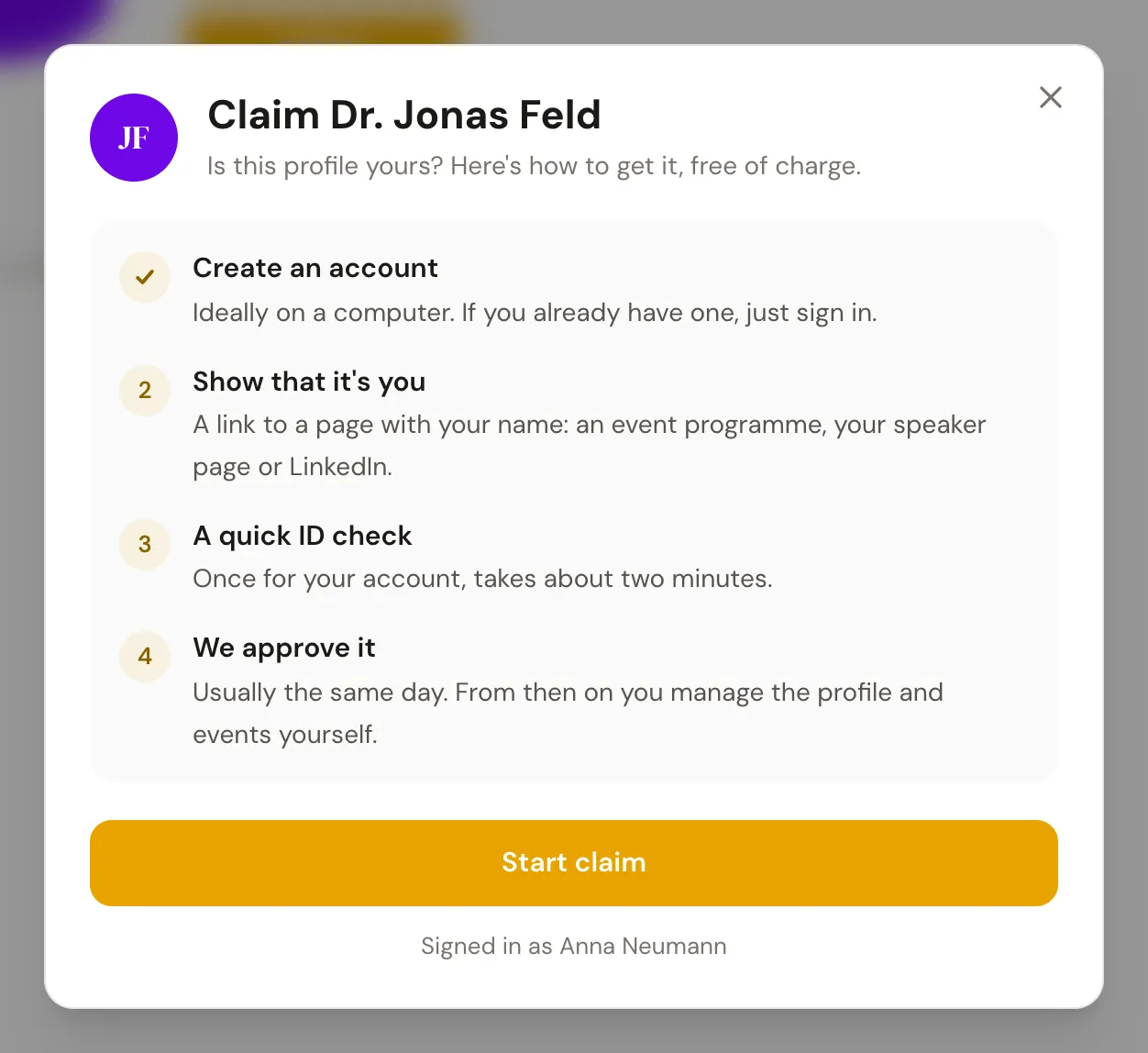
If your account has no profile yet, the sidebar also shows Claim a public profile. Search for your name there and tap That's me on your profile.
2Show that it is yours
For an individual, a link to a page with your name is enough, for example the program of an event where you speak, your speaker page or your LinkedIn profile.
For an association, an education provider or a company there are two ways. Via the website: a page on your website that names you, and a code sent to an e-mail address on your domain, such as info@. Or via the register: you upload an extract, for example from the register of associations or the commercial register.
For these three types, the form also asks for Your role: owner or management, employee, agency or other.
We also check whether you are publicly listed on the website, for example in the legal notice or on the team page. If you are on a team or about page, enter its link in the field Where are you on the website? (Link to the team or about page). The field is optional, the link must belong to the profile's website, and we read that page first.
Finally, you confirm your details and tap Submit claim.
3Review and approval
While we review, you see Your claim is being reviewed. We usually decide the same day, and you get an e-mail. Once the claim is accepted, you confirm your identity once if that is still missing, and you can edit the profile. If it was rejected, the reason is shown on the profile, and you can try again.