Download your data and delete your account
2 min read · updated 30 September 2026
Do you want to see what chiro.events has stored about you, or do you want to leave for good? You can do both yourself, in your account settings under Privacy.
1Download your data
- 1Open your account settings. On a computer, click your name at the bottom left and then Account settings. On a phone, tap Profile at the bottom, then the gear icon, then Account.
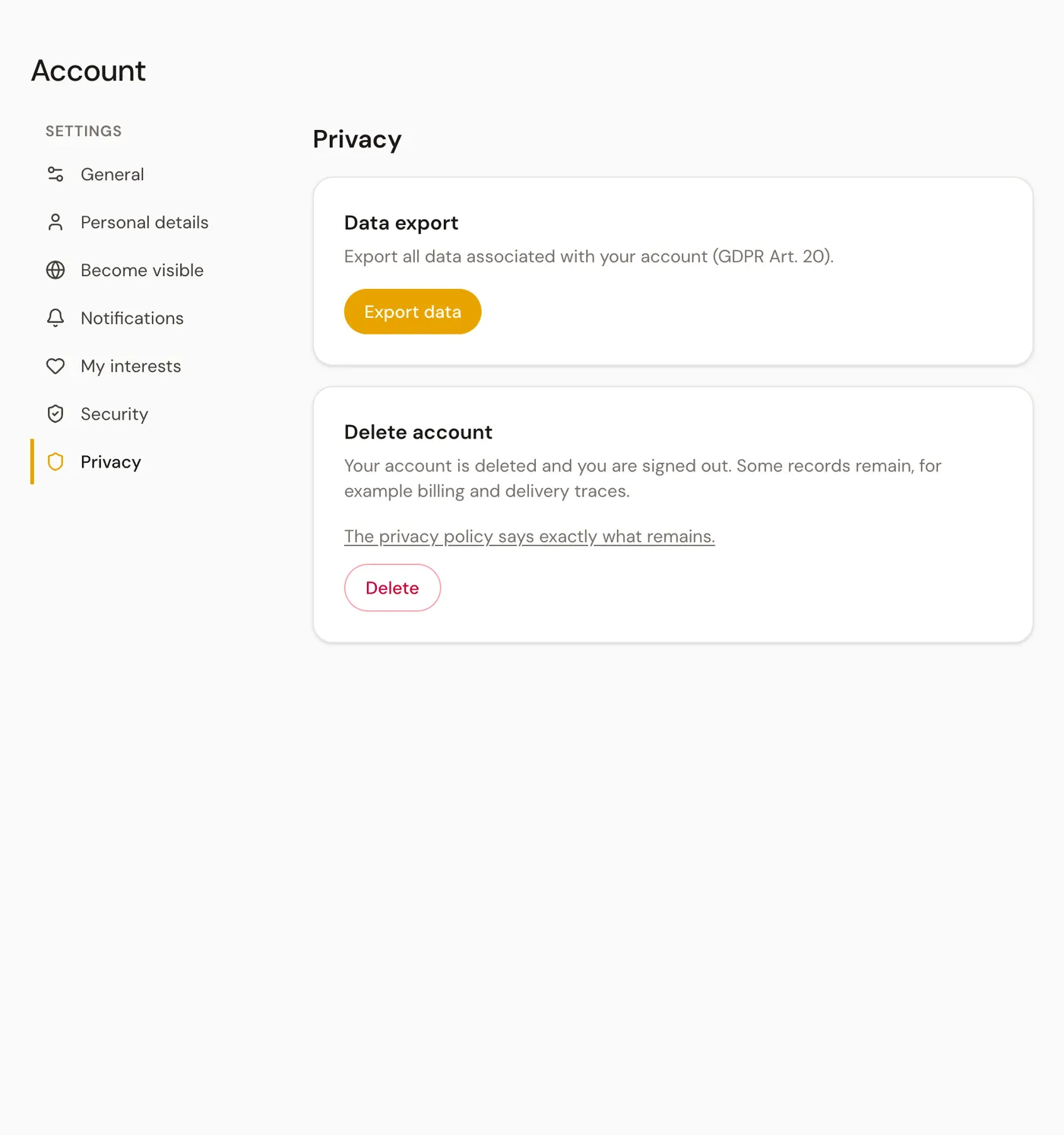
- 2Choose Privacy and tap Export data under Data export.
- 3After a moment, your browser downloads a file in JSON format. It contains the data linked to your account, such as your newsletter settings, your saved events and which profiles you manage.
You can keep the file or share it. Any text editor can open it.
2Delete your account
Deleting is final: you can't get back into this account afterwards. You can register again later with the same address, but as a new account without your previous profiles. To make sure nothing happens by accident, it takes several steps.
- 1Under Delete account, tap Delete and answer the question Really delete your account? with Continue.
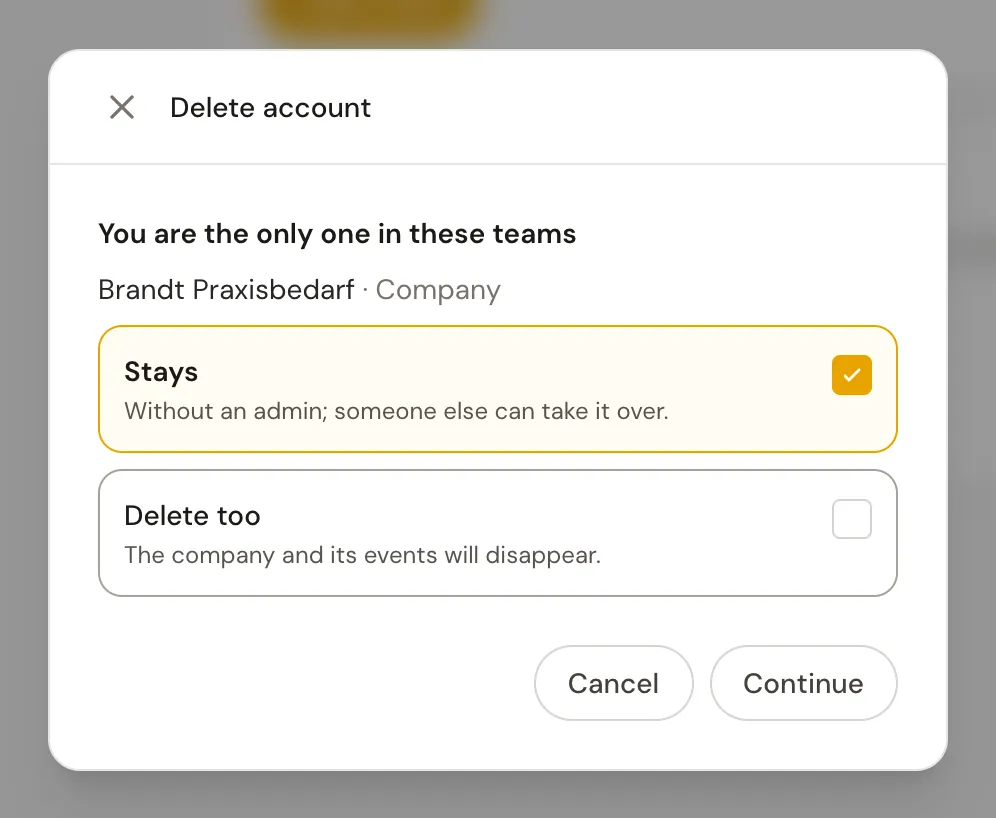
- 2If you have a personality profile or run teams on your own, an extra step shows you what happens to them. Your personality profile is deleted too. For each team you choose: Stays leaves it without an admin so someone else can take it over, Delete too takes it along with its events.
- 3Type exactly delete account into the field and then tap Send confirmation email.
- 4Open the link from the email. It is valid for 24 hours. You see once more what will be deleted and what stays, and you confirm with Delete permanently.
If you are the only admin in a team with other people, you can only delete your account once you have appointed a second admin there. The page tells you this itself and takes you there with Go to team.
Do you have questions about your data? On a computer, you can reach us via Support in the sidebar of your dashboard.