Create an account and sign in
2 min read · updated 30 September 2026
You need an account to save events, follow profiles and make yourself visible. There is no password on chiro.events: each time you sign in, we send you a code by email.
1Create an account
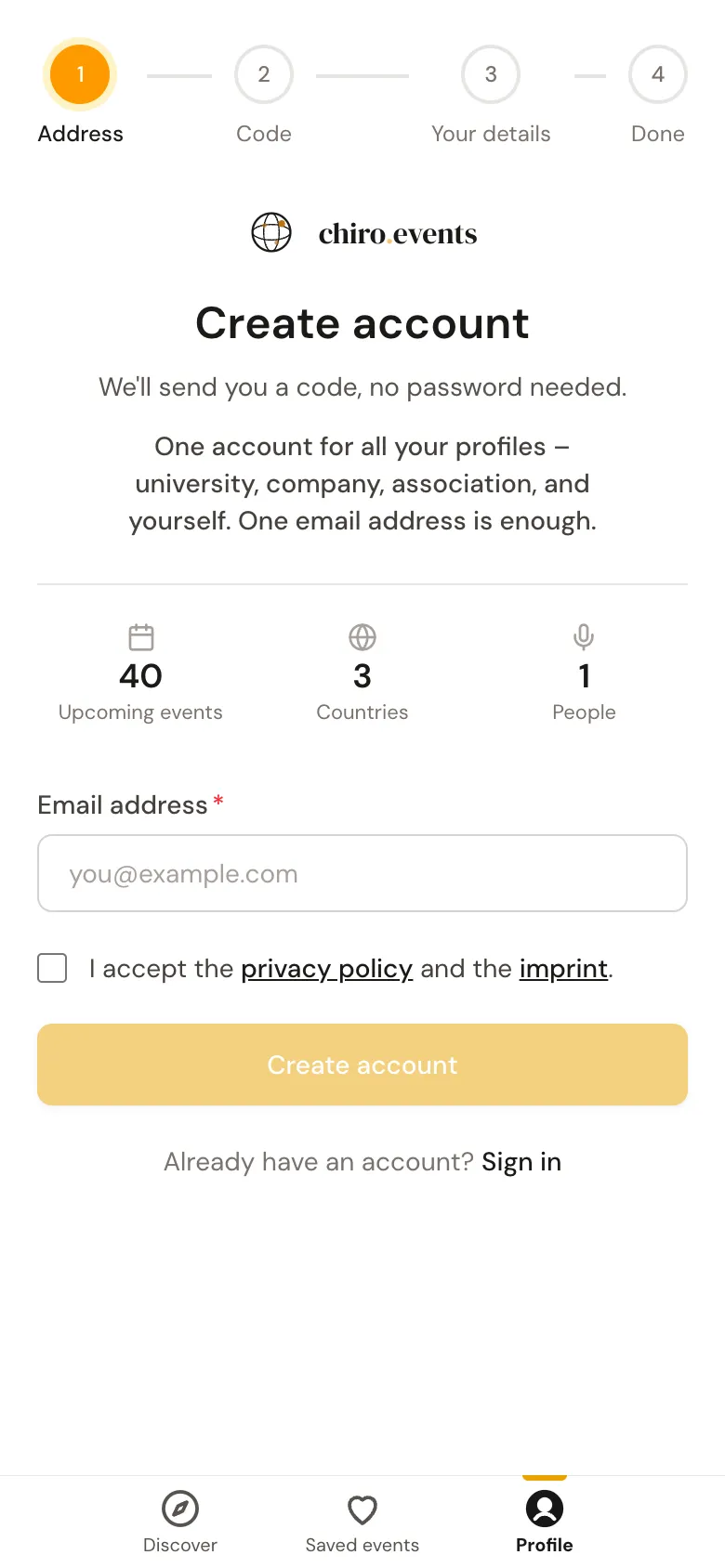
- 1Tap the person icon at the top right and then Sign in. Below the field you will see No account yet?. Continue there with Create an account.
- 2Enter your Email address and tick the box for privacy policy and imprint.
- 3Tap Create an account. We immediately send you an email with a six-digit code.
2Enter the code
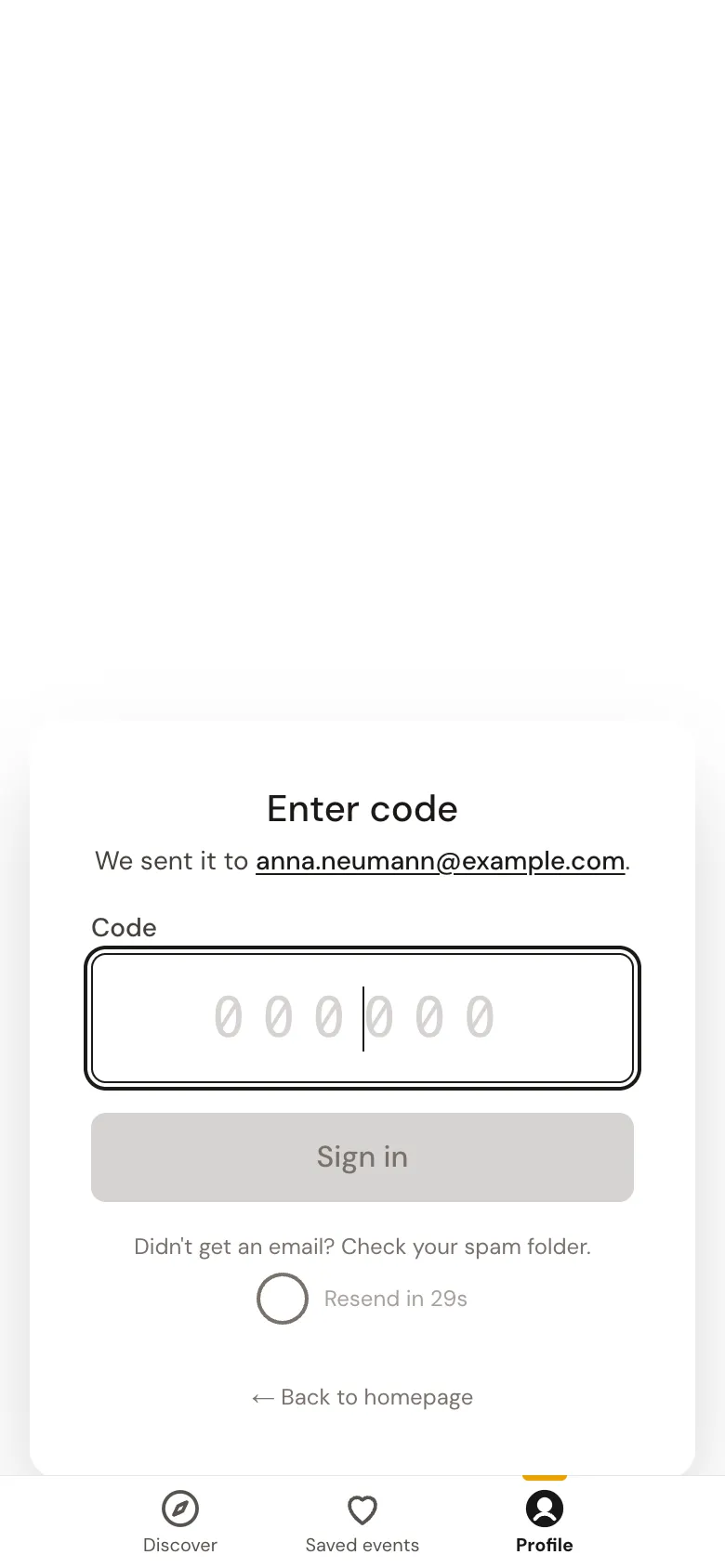
Under Enter code you type in the six digits from the email and tap Sign in. If you made a typo in the address, Use another address takes you back.
3Tell us briefly who you are
The first time, we ask for your name and your country. Both are required, everything else you can add later. With Continue and finally Let’s go you are in.
4Signing in again later
Tap Sign in, enter your address and tap Continue. You get a new code again, which you enter. After that you stay signed in on your device until you sign out.
Can't get into your account at all, for example because you no longer have access to the address? On the sign-in page, Trouble signing in? leads to a form that works without an account.