Put chiro.events on your phone
1 min read · updated 30 September 2026
chiro.events runs in the browser, so you don't need to download anything from an app store. But you can put the site on your home screen like an app. Then it opens with one tap and in full screen.
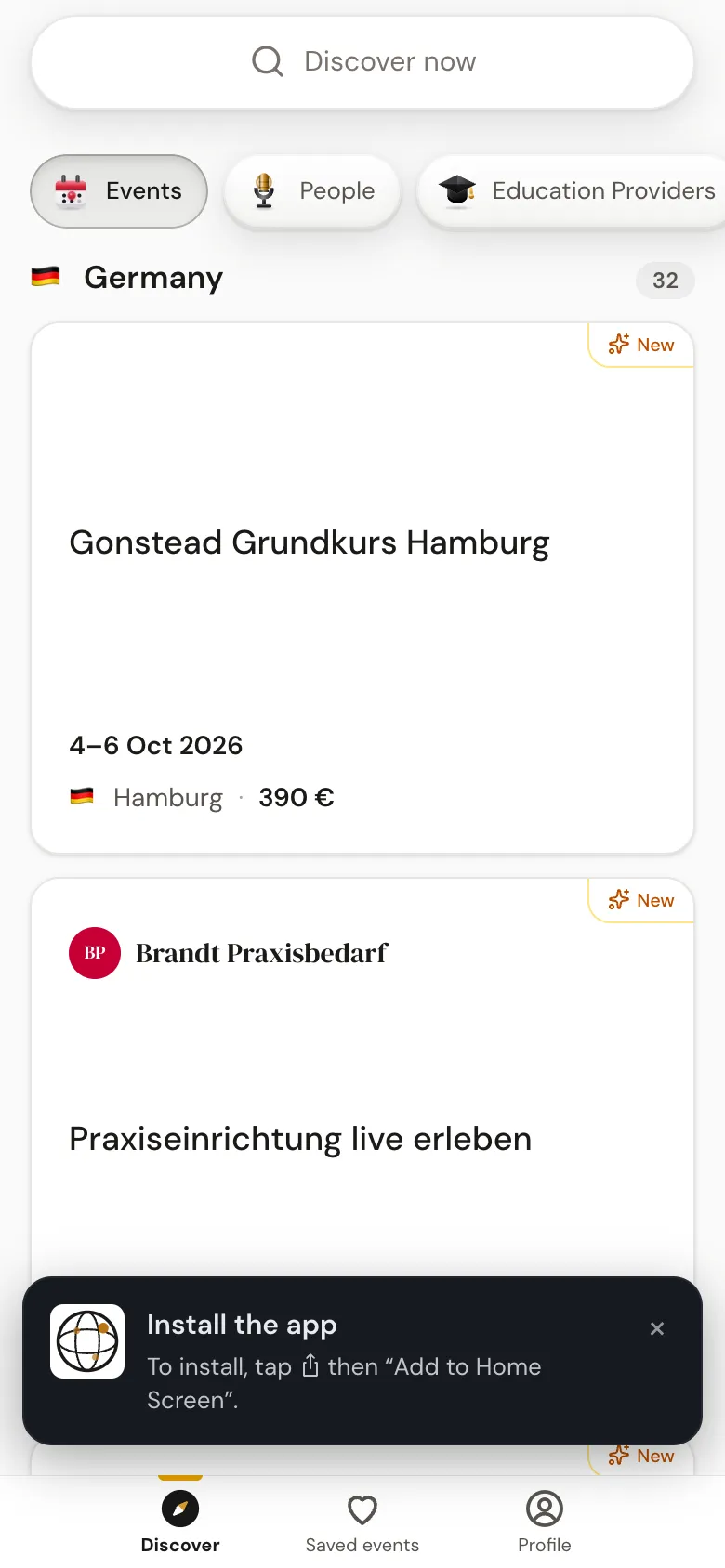
1With the notice at the bottom of the page
From your second visit, the notice Install the app appears at the bottom on your phone. On an Android phone, tap Install and confirm the question from your phone. On the iPhone, the notice tells you what to do: in Safari, tap the share icon and then "Add to Home Screen".
2Without the notice
On the iPhone, we only show the notice in Safari, not in other browsers and not in the in-app browser of apps like Instagram. But you can add the site yourself at any time: on the iPhone in Safari via the share menu and "Add to Home Screen", on an Android phone via your browser's menu.