Finding events: search, lists and map
2 min read · updated 30 September 2026
On chiro.events you find seminars, courses and congresses from all over the world. You can search for something specific or just browse, no account needed.
1Searching by Where, When and What
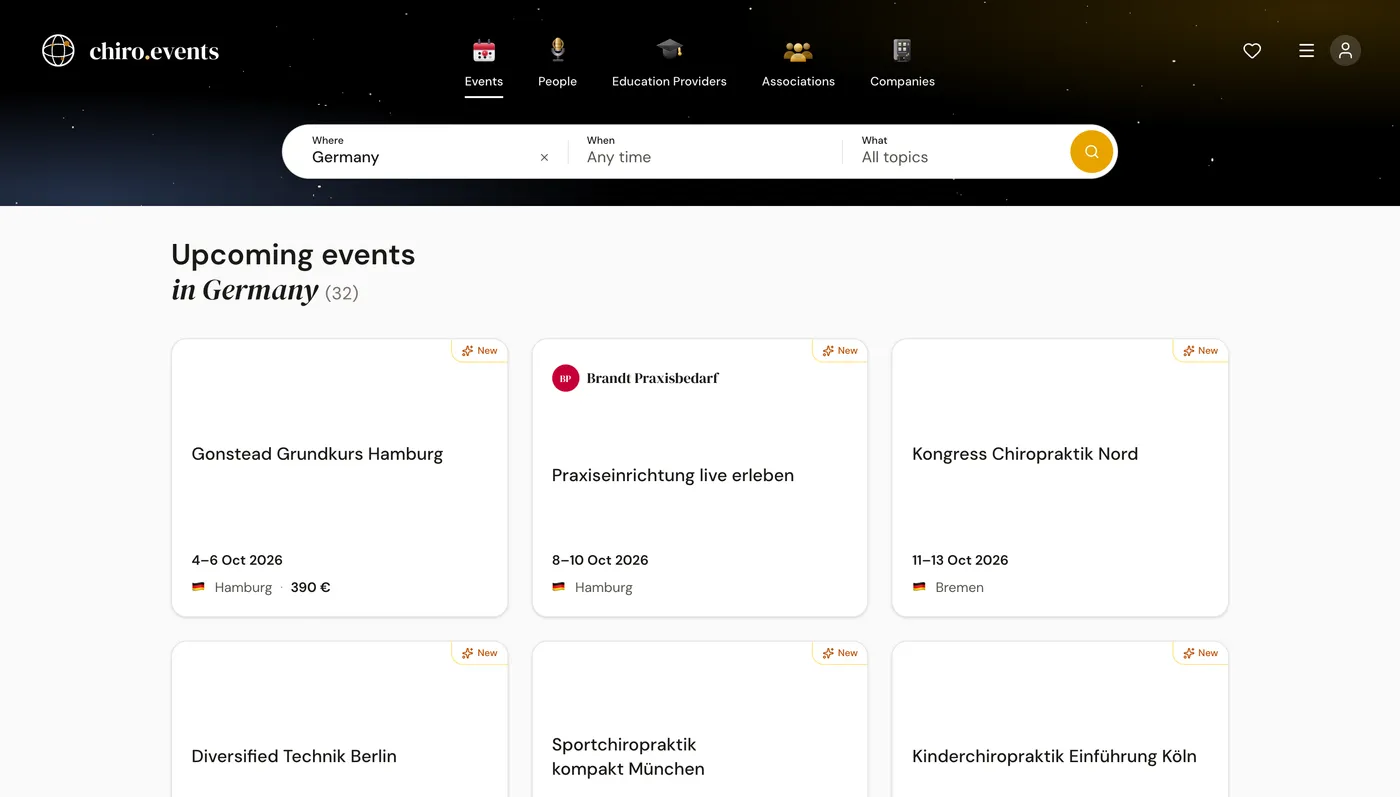
On a computer, the search with three fields is at the top of the start page: Where, When and What. For Where you pick a country or region, for When a time period such as the next three months, and for What a topic. With Search you see the matching events.
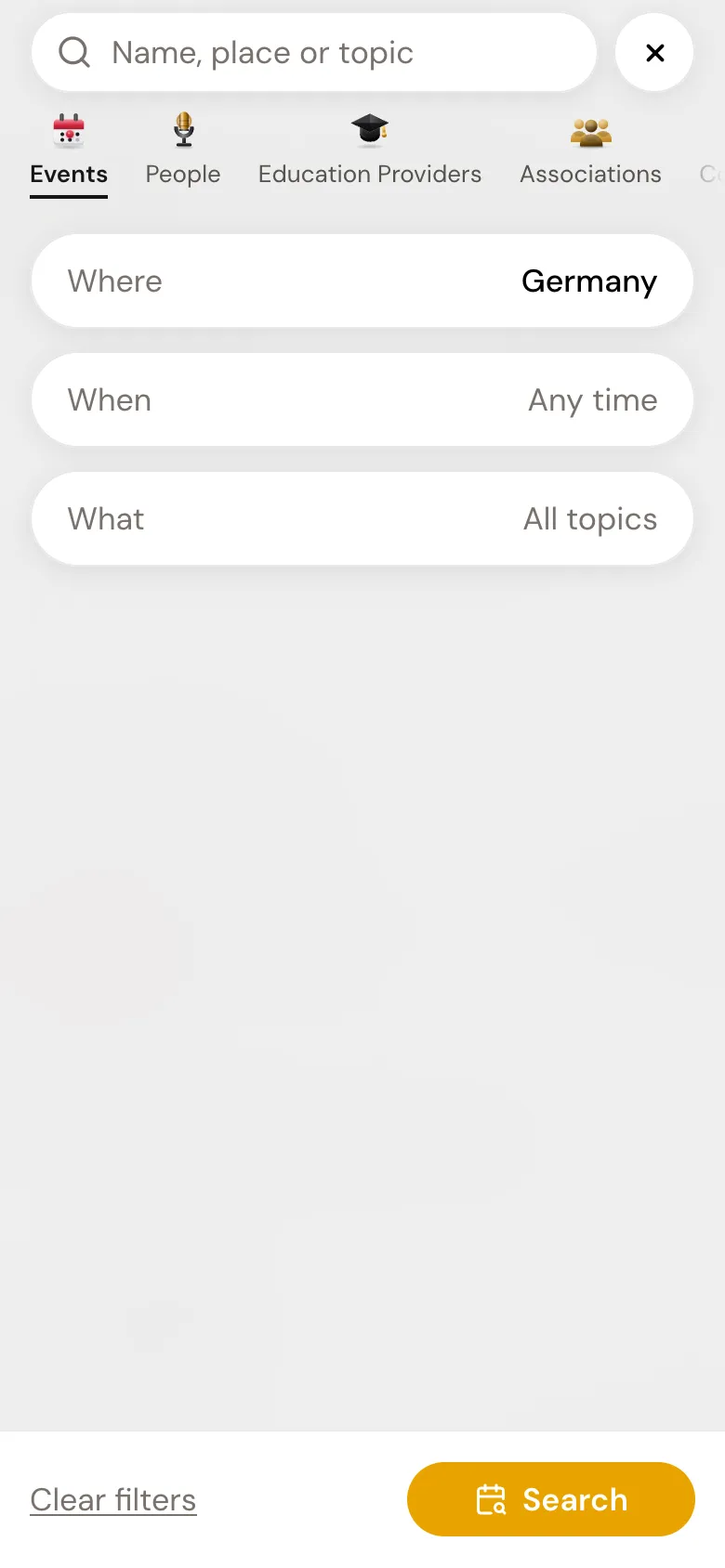
On your phone, tap Discover now. The Search opens with the same three cards. If you type a name, a place or a topic into the search field, the results appear as you type.
2Browsing the lists
At the top, next to the events, you find four more lists: People, Education Providers, Associations and Companies. Each list has its own filters, for example by country or role. On your phone, the five lists appear as a row you can swipe below the search, and Discover in the bar at the bottom always takes you back to the start page.
3The map
On a computer you can see events on a world map. At the bottom of the start page, you switch between map and tiles with Show map and Show list. Which view opens first, you set in your account under Start view. There is no large map on a phone; on every event page, a small map shows where the event takes place.
4Language and appearance
The site is available in German, English and Spanish. On a computer, you set Language and Appearance in the menu at the top right. On your phone, you find both under Profile and the gear icon at the top. With the appearance Auto, the site turns dark by itself in the evening and light again in the morning.