Follow profiles and get activity updates
2 min read · updated 30 September 2026
Do you like the courses of a certain person or provider? Then follow their profile. With the bell next to it, you decide whether we let you know as soon as a new event appears there.
1Follow a profile
- 1Open the profile of a person, an association, an education provider or a company.
- 2Tap Follow. The button now says Following.
- 3Right after that, we ask whether you want to be notified about new events from this profile. With Yes you turn the bell on.
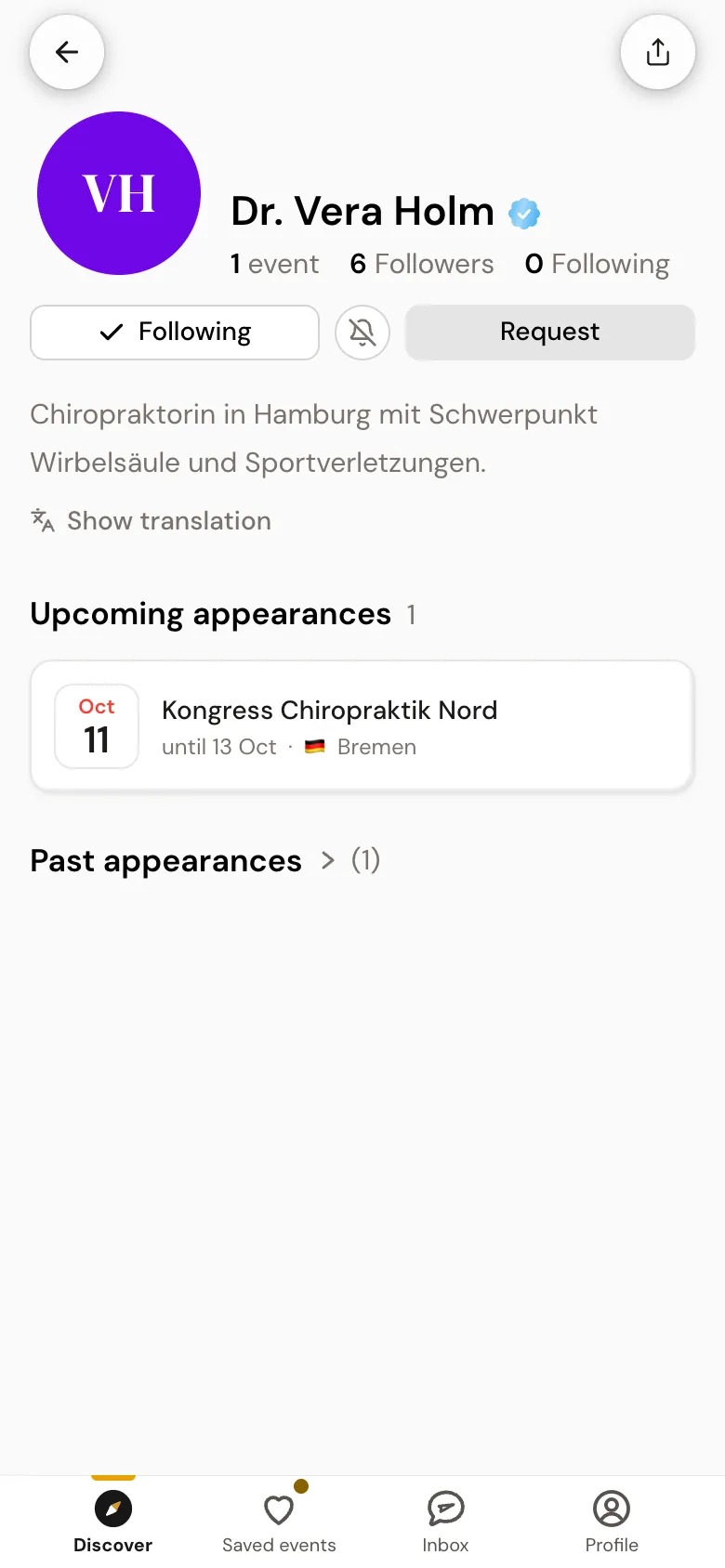
Following only works with an account. If you are not signed in, the button opens the Follow with an account window. If you no longer want to follow, just tap Following again.
2The bell next to the button
Next to Following there is a round button with a bell. If it is filled, you get a notification as soon as the profile publishes a new event. If it is crossed out, you follow quietly. One tap switches it, and below it a short label says Notifications on or Notifications off.
3Your activity
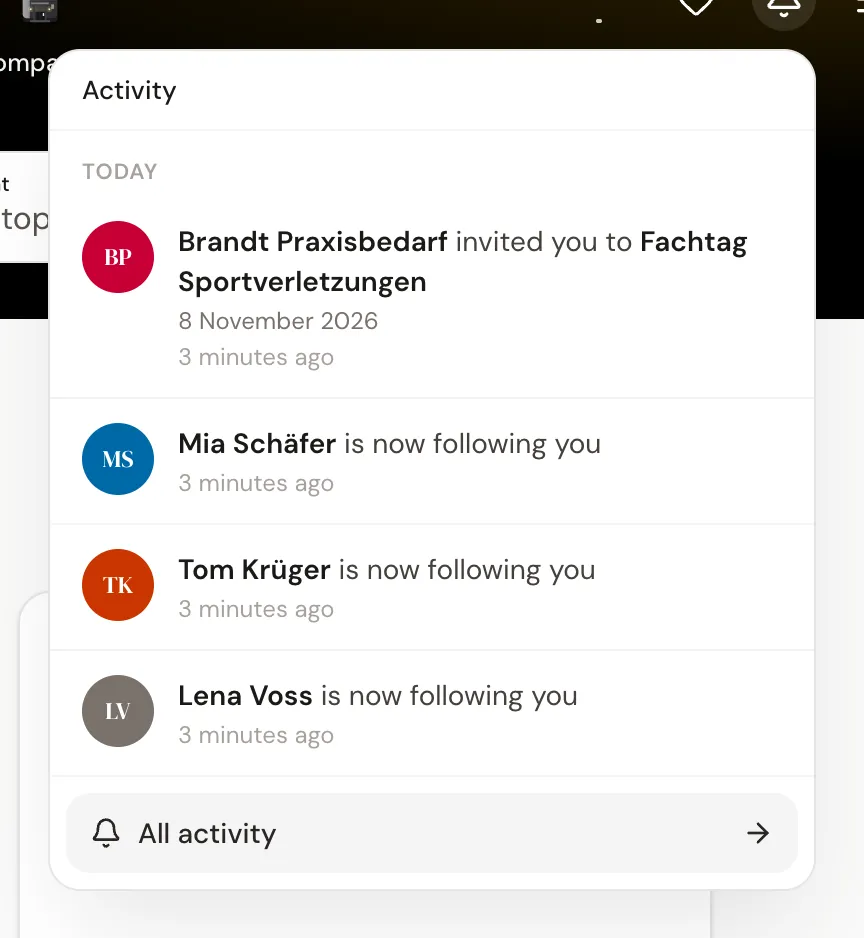
Everything we report to you is collected under Activity. At the top of the start page, a bell with a red number shows how much is new. On a phone it opens the Activity page, on a computer a list below it, and All activity leads to the full page. In the dashboard, Activity is also in the sidebar.
4All profiles at a glance: My interests
In your account settings, under My interests, you find the section Who you follow. It lists every profile you follow, with its bell and an Unfollow button. Below that, under Countries, you choose which countries the newsletter brings you events from.
Whether a message also arrives by e-mail is set under Notifications. Everything still always appears in your activity.